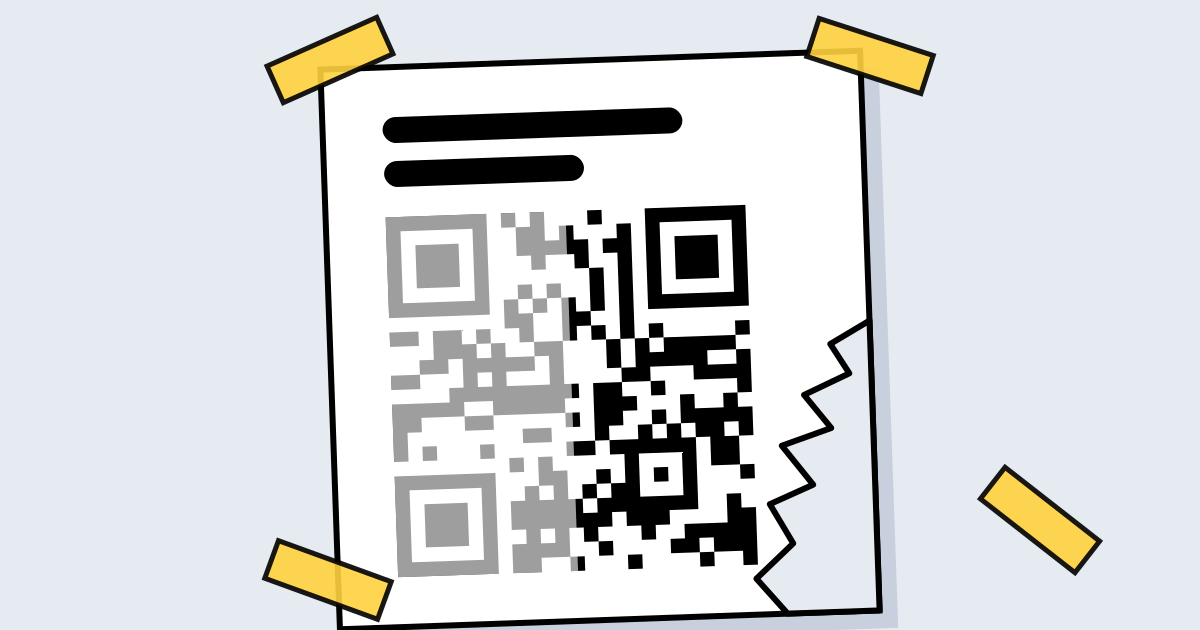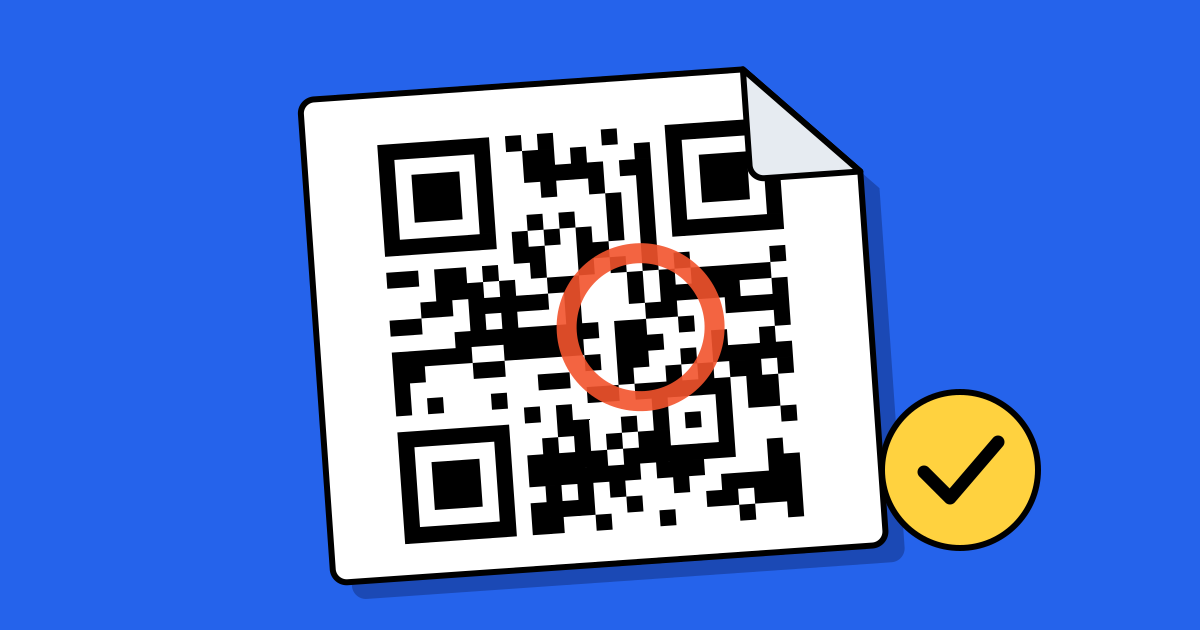
Short answerError correction is backup data built into every QR code. There are four levels: L recovers about 7% of the code, M about 15%, Q about 25% and H about 30%. A higher level survives more damage but makes the pattern denser, so it needs more room. Use M for clean prints and H when a logo covers part of the code.
The four levels
| Level | Can recover about | Good for |
|---|---|---|
| L (Low) | 7% | Clean screens and indoor prints where space is tight |
| M (Medium) | 15% | Most printed codes: flyers, menus, business cards |
| Q (Quartile) | 25% | Labels and packaging that get handled, rubbed or scuffed |
| H (High) | 30% | Codes with a logo in the middle; outdoor and industrial use |
The percentages come from the QR code standard and are described by DENSO WAVE, the company that invented the QR code, in its error correction guide. They are approximate: what matters is how much of the pattern is unreadable, not what caused it.
How it works
When a code is made, the generator adds extra blocks of data worked out from your content using a method called Reed–Solomon coding, the same idea that lets a scratched CD keep playing. If dirt, a tear or a logo hides some of the small squares (modules), the scanner uses the extra blocks to work out what was there. You don’t see any of this; the code either opens or it doesn’t.
The trade-off: safety against size
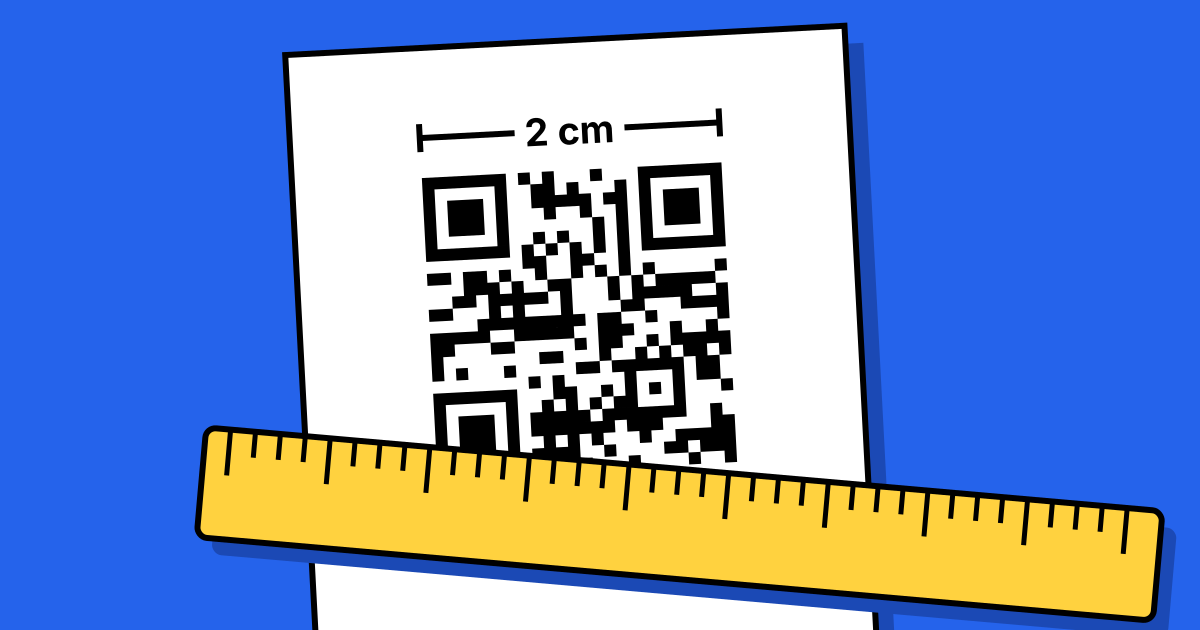
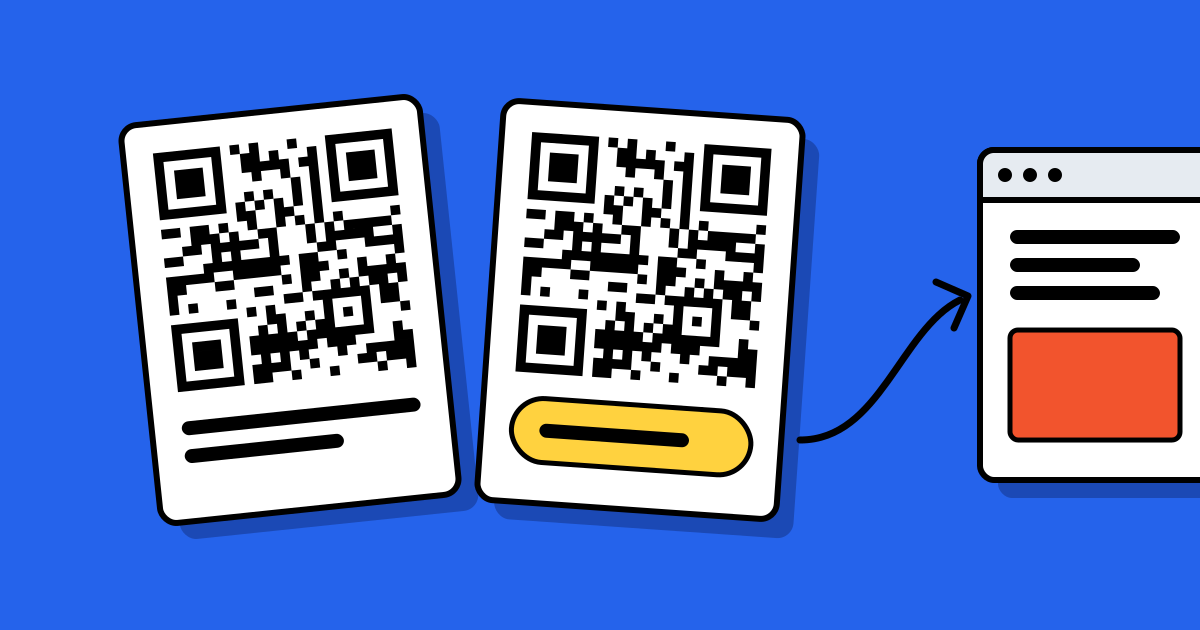
Backup data takes space. For the same link, a level H code has more modules than a level L code, so each module is smaller when you print both at the same width. Small modules are harder for a camera to pick apart, especially from a distance or on rough paper.
- If you raise the level, be ready to print the code a little larger.
- If you must print small, keep the content short instead of dropping to the lowest level. A dynamic code holds only a short link, so it stays simple even at level H.
Sizes for each viewing distance are in the printing guide.
Which level should you use?
- A plain code on paper or a screen: M is a sensible default.
- A logo in the middle: H. The logo covers modules, and the code has to rebuild them on every scan.
- Stickers, packaging, tools, anything outdoors: Q or H, and print larger to make up for the denser pattern.
- A long piece of static content in a small space: shorten the content first. L is a last resort.
What QR Code Planet does
You don’t pick a level in our generator. It uses M for a plain code and raises it to H as soon as you add a logo. The preview also runs a scan check on your design, such as contrast and logo size, so you find out before you download rather than after you print.
What error correction can’t fix
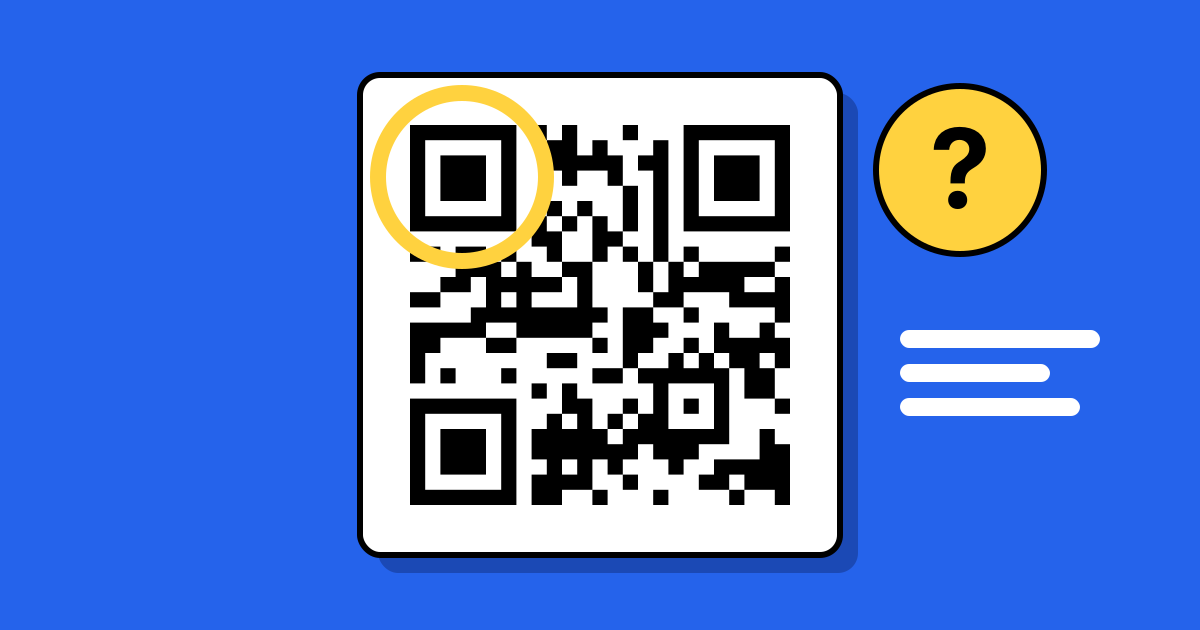
- The three corner squares. Scanners use them to find and line up the code. If one is covered or torn off, most scanners give up, whatever the level.
- A missing margin. The empty border around the code is how a camera tells where it starts.
- Low contrast or a blurry print. If the camera can’t tell dark from light anywhere, there is nothing to rebuild from.
- A dead link. Error correction protects the pattern, not the page it points to. See why QR codes stop working.
Whatever the level, test a printed proof on two phones before a print run.
FAQ
Questions people ask
Can’t find yours? A person answers every email within 2 working days.
Email usWhich error correction level is best?
M for most plain printed codes and H when a logo covers part of the pattern. Higher isn’t always better, because it makes the pattern denser.
Can I change the level after printing?
No. The level is part of the pattern, so a different level is a different code. A dynamic code lets you change the destination, not the pattern.
Does a higher level make a code scan faster?
No. It only helps when part of the code can’t be read. On a clean code, a denser pattern can be slightly harder to scan.
How big can a logo be?
Keep it well under the share the level can recover, and away from the three corner squares. Our generator’s scan check looks at the logo size and tells you if the design may not scan.