Short answerScanning a QR code doesn’t need internet: the camera decodes the pattern on the phone. Opening what it contains might. Text, Wi-Fi details, contact cards, phone numbers and SMS work without a data connection. Web links, including every dynamic code, need one, because the page or the redirect lives online.
Scanning is always offline
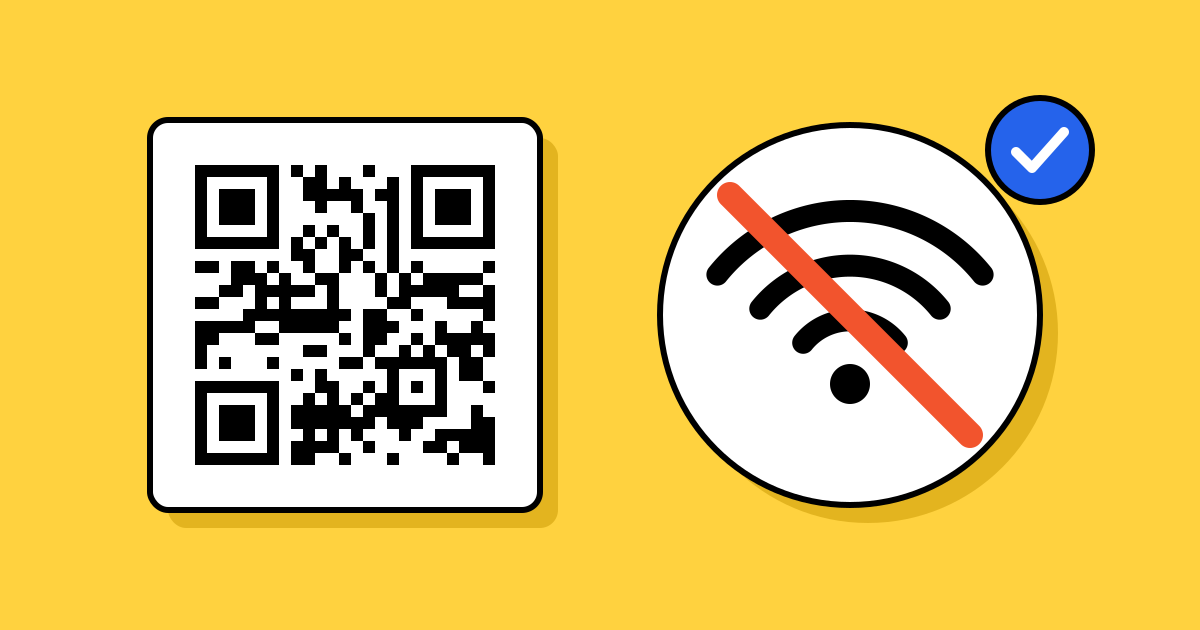
A QR code is a picture of some text. The camera app finds the pattern, works out the text and shows it to you, all on the phone. Nothing is sent anywhere at that point. That is why a code can be scanned in airplane mode, underground or in a field with no signal. How the pattern stores text is in what is a QR code?
What works without internet
| The code holds | Works offline? | What happens |
|---|---|---|
| Plain text | Yes | The text appears on screen. |
| Wi-Fi details | Yes | The phone offers to join the network. This is how guests get online in the first place. |
| Contact card (vCard) | Yes | The phone offers to save the contact. |
| Phone number | Yes, with mobile signal | The dialler opens. The call uses the phone network, not data. |
| SMS | Yes, with mobile signal | A text opens, ready to send over the phone network. |
| Partly | The draft opens offline and waits in the outbox until there is a connection. | |
| Web link | No | The address appears, but the page can’t load. |
| Any dynamic code | No | A dynamic code holds a short link, so it needs a connection to reach the destination. |
Apps such as WhatsApp, Instagram or Google Maps open from a link, so their codes need internet too.
Why dynamic codes always need a connection
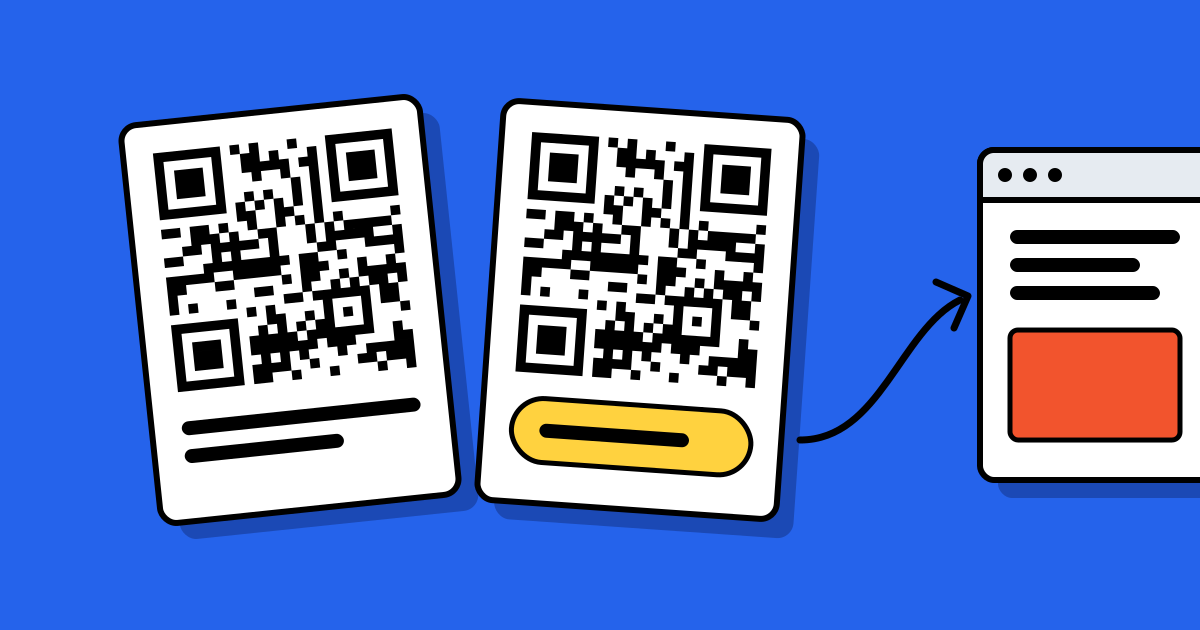
A dynamic code doesn’t hold your page. It holds a short link, such as qrcodeplanet.com/r/…, and the service sends each scan on to the page you chose. That is what lets you change the destination after printing and count scans. It also means the phone has to reach the service before anything opens. A static code can hold the content itself, so it is the choice for places with no signal.
If your code will be scanned where signal is weak
- Put the essentials in the code itself. For a trail sign, a basement venue or a ship, use text or a contact card rather than a link.
- Offer Wi-Fi first. Place a Wi-Fi code beside any link code, so people can get online and then scan the second one.
- Keep the page light. A short, fast page loads on a weak connection where a heavy one times out.
- Say what the scan needs. A line such as “Scan to save our number” or “Needs mobile data” sets expectations. More on the wording in what to write next to a QR code.
- Test it where it will hang. Scan on site, on more than one network, before you print a batch.
Making a code without internet
You need a connection to open a generator website. On QR Code Planet, static codes are then made in your browser, and their content isn’t sent to us. Dynamic codes are created on our servers, so they need a connection to make and to edit.
When a code scans but nothing opens
If the camera shows a link but the page won’t load, check the phone’s connection first. If the connection is fine, the problem is likely the link or the service behind it; the causes are in why QR codes stop working. If the camera doesn’t react at all, the issue is the print or the scan, not the internet; see how to scan a QR code.
FAQ
Questions people ask
Can’t find yours? A person answers every email within 2 working days.
Email usCan I scan a QR code in airplane mode?
Yes. The camera reads the code without any connection. Content stored in the code, such as text or a contact, opens straight away; a link needs a connection to load.
Does a Wi-Fi QR code need internet?
No. It holds the network name and password, and the phone uses them to join. It is meant for people who aren’t online yet.
Do dynamic QR codes work offline?
No. A dynamic code is a short link that has to reach the service before it opens your page.
Does scanning a QR code use mobile data?
Scanning itself uses none. Opening a link uses the same data as visiting that page in a browser.