Short answerOpen a free generator such as QR Code Planet’s, choose what the code should do (a link, Wi-Fi, WhatsApp, contact card), enter the content, pick colours and a frame, check it scans on two phones, and download it as PNG for screens or SVG or PDF for print.
Step 1: Decide what the code should do
Most people want a website link, but a code can also join a Wi-Fi network, start a WhatsApp chat, save a contact or open a map. Choosing the right type means one less tap for the person scanning. The QR code types page lists all of them.
Step 2: Static or dynamic?
For a free code that never expires, choose static. Choose dynamic only if the destination might change after printing or you need scan counts. On QR Code Planet, a free account includes 3 dynamic codes; paid plans include more, and Lite and Pro start with a 7-day free trial. More on the difference.
Step 3: Enter the content
Type or paste your link. The field already starts with https://, and if you paste a full link we keep just one. Short, clean links make simpler patterns that scan more easily at small sizes. Remove tracking clutter you don’t need.
Step 4: Style it, carefully
- Keep dark modules on a light background with strong contrast.
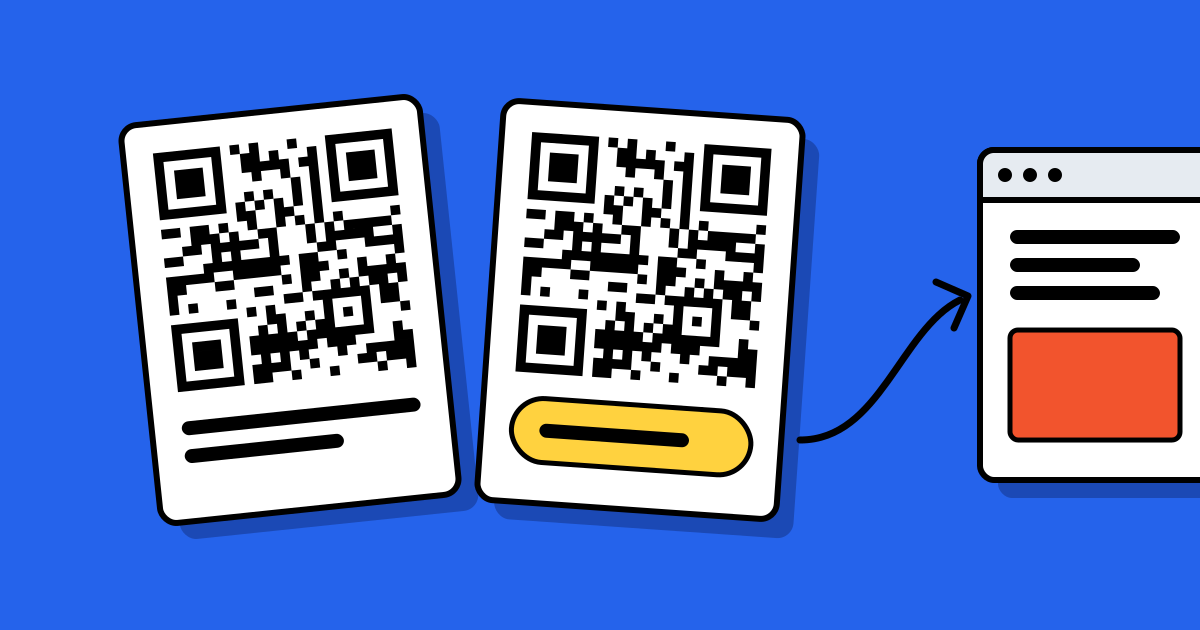
- Add a frame with a reason to scan: “Scan for the menu”, “Scan to join Wi-Fi”.
- Add your logo if you like; keep it under about a quarter of the code. See QR codes with a logo.
Step 5: Check, then download
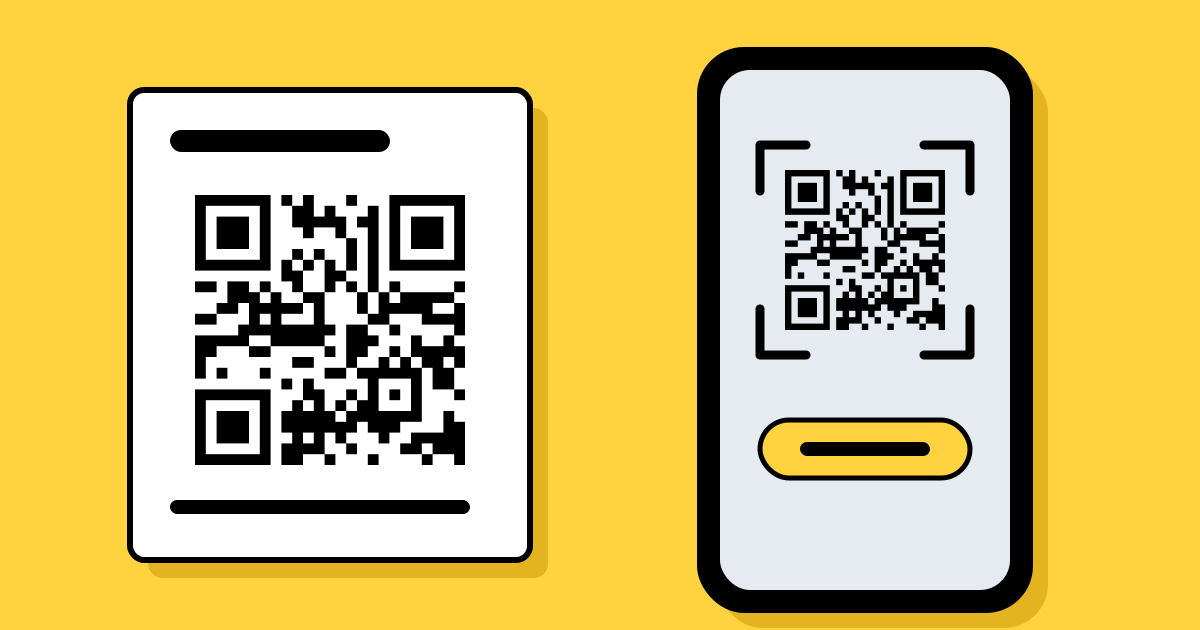
- Scan it on two phones, an iPhone and an Android, from the distance people will use.
- Open the result and make sure it lands on the right page.
- Download PNG for websites and slides, SVG or EPS for designers, PDF for print shops. Downloading needs a free account, which includes 10 static codes a month.
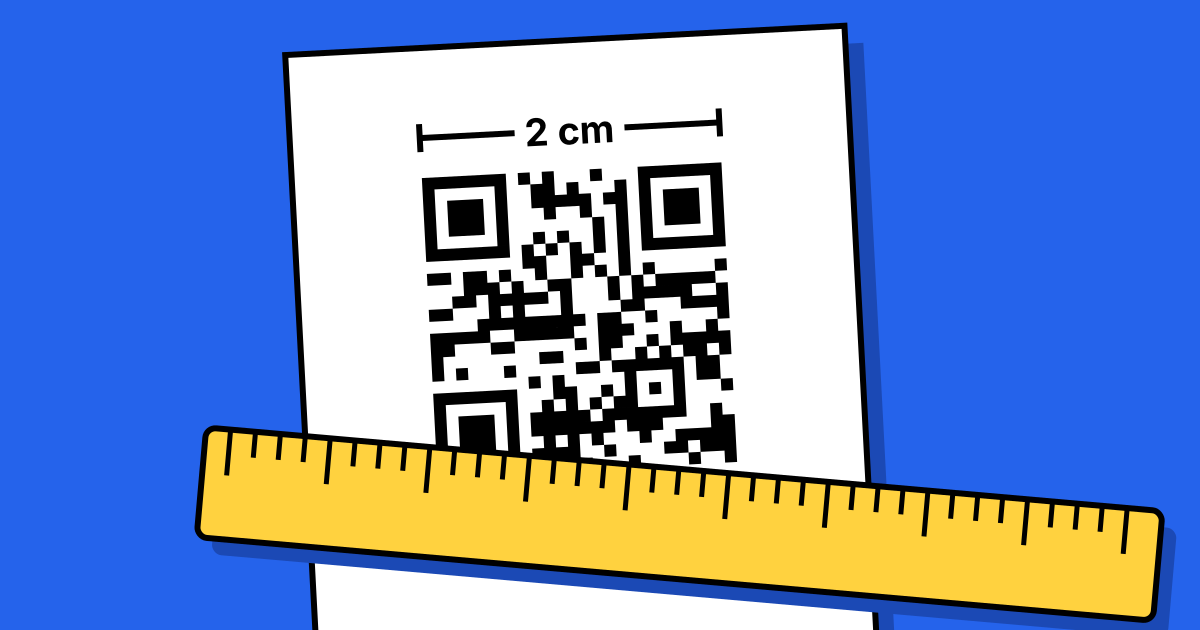
- Print a test copy at the real size before ordering hundreds.
Sizes for posters, cards and packaging are in the printing guide.
What to avoid
- “Free” generators that ask for an email, then turn your code off after a trial. If the code points to their short link, it depends on them.
- Screenshots of codes: they blur when enlarged. Download a vector file for print.
- Codes with no label. People scan when they know what they’ll get.
FAQ
Questions people ask
Can’t find yours? A person answers every email within 2 working days.
Email usCan I make a QR code on my phone?
Yes. The generator works in a phone browser and downloads the file to your photos or files.
Is a free QR code safe to print on products?
Yes, a static code is permanent and contains only what you typed. Use a dynamic code if the link may change.