- Home
- QR code types
- LinkedIn QR code
LinkedIn QR code generator
Paste the link to your LinkedIn profile or company page and get a QR code that opens it. Add it to a business card, a CV, a badge or the last slide of a talk.
 Connect on LinkedIn
Definition
What is a LinkedIn QR code?
In shortA LinkedIn QR code opens your profile or company page when scanned, so people can connect with you without searching for your name. It’s free as a static code.
The code holds the address of your profile or page. LinkedIn’s app has its own code for connecting in person; a code made here can be printed with your colours and used anywhere.
At a glance
- Price
- Free as a static code
- You enter
- Your LinkedIn profile or page link
- Opens
- The LinkedIn app, or the website if the app isn’t installed
- Code type
- Static, or dynamic on a paid plan
- Leaves our servers?
- A static code is made in your browser
How it works
Make one in four steps
Choose LinkedIn
Open the generator and pick the LinkedIn type.
Add your profile link
Copy it from your profile, for example linkedin.com/in/yourname.
Style it
Brand colours and a logo in the middle. The preview checks that it still scans.
Download and print
PNG for screens; SVG, PDF or EPS for print. Add a frame so people know what the code does.
Where to use it
Where a LinkedIn code helps
- Business cardsWithout typing a long profile address.
- CVs and portfoliosRecruiters scan the printed page.
- Conference badges and slidesConnect with the room at the end of a talk.
- Company standsSend visitors to your company page.
Good to know
Things to know
- Changed your username?A static code holds the old address and stops working. Make a new code, or use a dynamic one so you can update the link.
- Choose Dynamic to edit laterOn a paid plan you can save it as a dynamic code. A scan redirects to your link. You can then change it after printing and see scan counts.
- Say what they getA frame such as “Connect on LinkedIn” tells people what they’ll get.
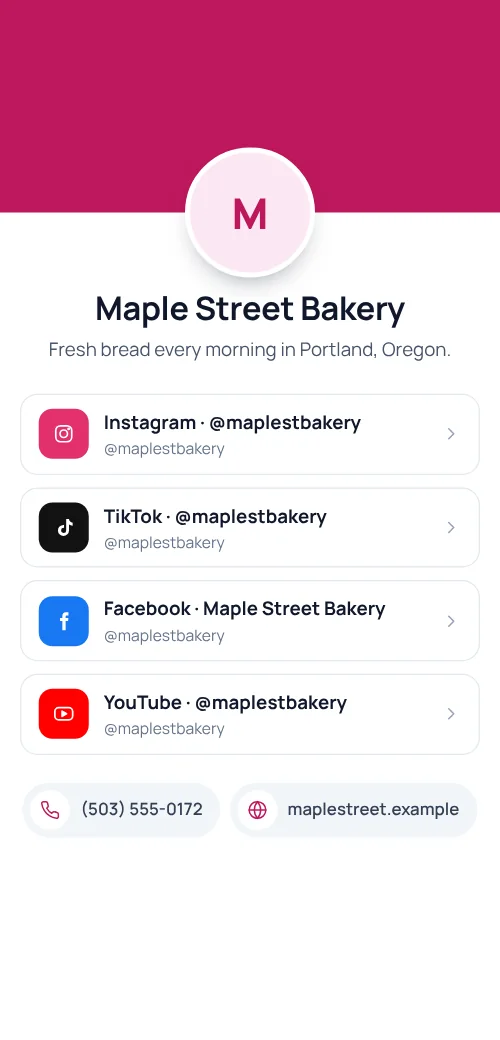
- Several profiles?A social media page puts all of them behind one code.
FAQ
Questions people ask
Can’t find yours? A person answers every email within 2 working days.
Email usIs a LinkedIn QR code free?
Yes, as a static code: no watermark and no expiry. A free account includes 10 static codes a month; paid plans have no limit.
Does it open the LinkedIn app?
Yes, when the app is installed. Otherwise the link opens LinkedIn in the browser.
Can I see how many people scanned it?
Not with a static code. Save it as a dynamic code on a paid plan to see scans by day, place and device.
Keep reading